Ninja Creami Won't Start? Fix the Blinking Install Light
By Marty Cole · August 6, 2026
My mother-in-law bought a Ninja Creami for Christmas, spun her first pint of Tahitian Vanilla Bean Dream, and then texted me a photo of the machine with the caption "it just blinks at me now, what did I do." Nothing. She did nothing. That is the part that trips people up. A Creami that refuses to start almost never means something is broken. It means the machine's safety lock does not think everything is closed up right, and it will sit there blinking or beeping at you all day rather than run with a lid that is not fully seated.
Here is the thing worth knowing up front. Ninja has sold a handful of different Creami models over the years, the original 7-in-1, the Deluxe, the Breeze, the Swirl soft serve version, and the light patterns are not identical across all of them. One model calls out a specific "install" indicator, another flashes segments of its progress bar. So instead of guessing at your exact light pattern, I am going to walk through the actual mechanical reasons a Creami won't start, because those are the same on every version, and then point you at your model's official guide for the exact light names.
First, know that this is a lock, not a code
Unlike the Ninja Slushi, which throws numbered error codes, the Creami mostly just refuses to turn on. There is no motor spinning, no beep sequence to decode, just a blinking light and a power button that will not respond. That is the machine's interlock doing its job. Every Creami model requires the paddle, the lid, the outer bowl, and the pint to all be seated correctly before the motor is allowed to run at all, and the sensors that check this are not shy about refusing to start over a millimeter of misalignment.
Check the assembly in this order
Most of the time the fix is redoing the stack from scratch rather than fighting with whatever step you think is done. Take the whole thing apart and rebuild it in this order.
Paddle into the lid first. The paddle clicks into the underside of the outer bowl lid before anything else happens. Flip the lid over and press the paddle straight down onto the center post until you feel it seat. If it spins loosely or wobbles when you nudge it, it is not locked in, and the machine will read that as unsafe to run.
Pint into the outer bowl. Your frozen pint drops into the outer bowl, and it needs to sit flat with no tilt. If you rushed it out of the freezer and the base froze at an angle, or there is frost buildup keeping it from sitting flush, that alone can throw off the sensor.
Lid onto the bowl, then the whole thing onto the base. Set the lid on top of the outer bowl and press down until it clicks. Then place the whole assembly onto the motor base with the handle centered under the control panel, and turn the handle to lock it down. This last twist is the step people skip when they are in a hurry, and it is also the one the machine cares about most, since that is what tells the base "the bowl is actually in place, go ahead."
If you do all three steps and it still won't start, take it apart again and look for the actual physical culprit. A cracked pint rim, a chip of ice wedged in the paddle socket, or a splash of old base gunked into the lid channel will all keep things from sitting flush even when it looks fine at a glance. I keep a damp cloth by the machine specifically for wiping the lid rim and the paddle post after a chocolate or peanut butter base, because sticky residue there is a repeat offender.
If the power button won't respond at all
Sometimes it is not a lock problem, it is a motor protection problem. If you just ran a dense, heavily mixed-in pint (think a loaded cookie dough base) back to back with another cycle, the motor can trip an overload protection and lock out the power button until it cools down. The fix here is boring but it works: unplug the unit, walk away for fifteen to twenty minutes, and plug it back in. Do not keep mashing the power button in the meantime, since that does not speed anything up and just makes you madder.
A full power cycle also clears up the occasional random glitch that has nothing to do with assembly. Unplug it, count to sixty, plug it back in, and try again with the bowl fully rebuilt.
This is different from crumbly or icy results
If your Creami actually starts and spins but the result is wrong, that is a totally separate issue from a machine that won't power on. Powdery, sandy texture that never comes together is a re-spin situation I cover in the Creami crumbly fix. A pint that spins fine but eats icy and hard is almost always a base or freezer temperature problem, which I broke down in the Creami icy fix guide. Neither of those means your machine refuses to start, so if yours is happily churning and just tastes wrong, those two are the ones you want.
When to call it in
If you have rebuilt the stack from scratch, checked for anything physically stuck or cracked, and done a full power cycle, and the machine still will not start on a clean, correctly assembled pint, that points at the sensor or the interlock itself rather than anything you are doing wrong. Pull up your exact model's guide on SharkNinja's official Ninja support site to confirm your specific light pattern, and if it is still stuck after that, it is worth a call to SharkNinja support, especially if the unit is still under warranty.
Most of the time though, it really is just one step in the stack that did not fully seat. I have redone the paddle-lid-bowl order more times than I can count, and it works close to every time. My mother-in-law's problem, for the record, turned out to be a paddle that never clicked past the first stop. She heard it lightly rest into place and thought that was the whole job. Now she pushes until it clicks twice as hard as she thinks it needs, and it has not blinked at her since.
Frequently asked questions
Why won't my Ninja Creami turn on at all?
The Creami has a safety interlock that will not let the motor run unless the paddle, lid, outer bowl, and pint are all seated correctly. A blinking light and an unresponsive power button almost always mean one of those pieces is not fully locked, not that the machine is broken. Take the stack apart and rebuild it in order: paddle into the lid, pint into the outer bowl, lid onto the bowl, then the whole assembly locked onto the motor base.
Why won't the paddle click into the lid?
Press it straight down onto the center post until it seats fully. If it still spins loosely or wobbles when you nudge it, it has only caught the first stop and needs a firmer push. A paddle that is not fully seated is one of the most common reasons the machine refuses to start.
My Ninja Creami won't respond to the power button after back-to-back cycles. What's wrong?
That is usually motor overload protection, not a lock issue. Running dense or heavily mixed-in bases back to back can trip it. Unplug the unit, let it sit for fifteen to twenty minutes, then plug it back in and try again.
Is a blinking light on my Ninja Creami the same as an error code?
Not exactly. Unlike the Ninja Slushi, which shows numbered error codes, the Creami mostly just blinks and refuses to start when its safety sensors are not satisfied. The exact light pattern varies a little between models like the original 7-in-1, the Deluxe, and the Breeze, so check your model's official Ninja support guide if you want the exact name for your light.
My Creami starts and spins fine, but the result looks wrong. Is that the same problem?
No, that is a separate issue. A machine that runs but produces powdery, crumbly results needs a re-spin fix, and one that runs but comes out icy is usually a base or freezer temperature problem. Both are different from a machine that won't power on at all.
Recipes from this guide



Get the machine
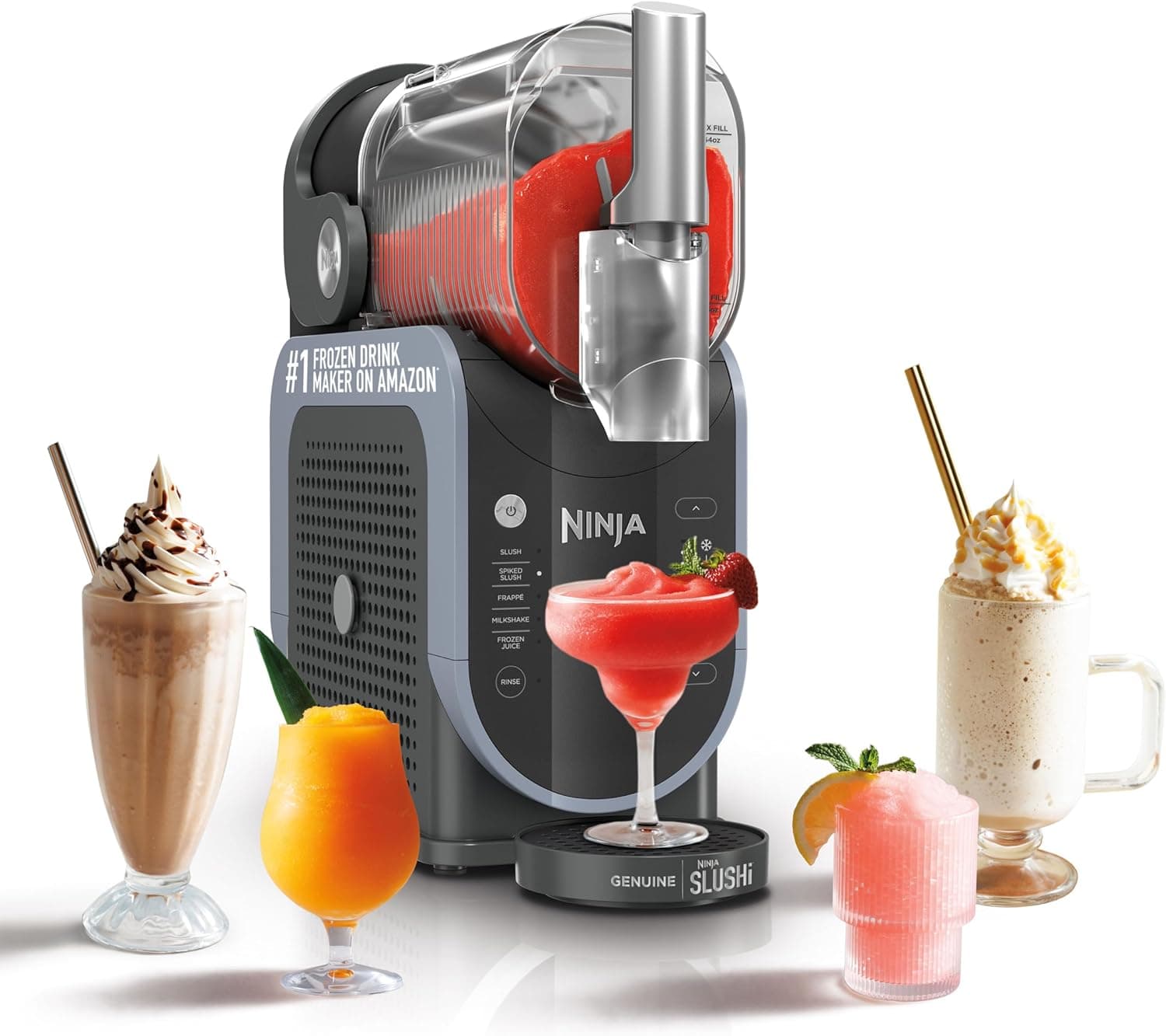
Ninja SLUSHi Frozen Drink Maker
The 64 oz machine every Slushi recipe here is tuned for.
Check price →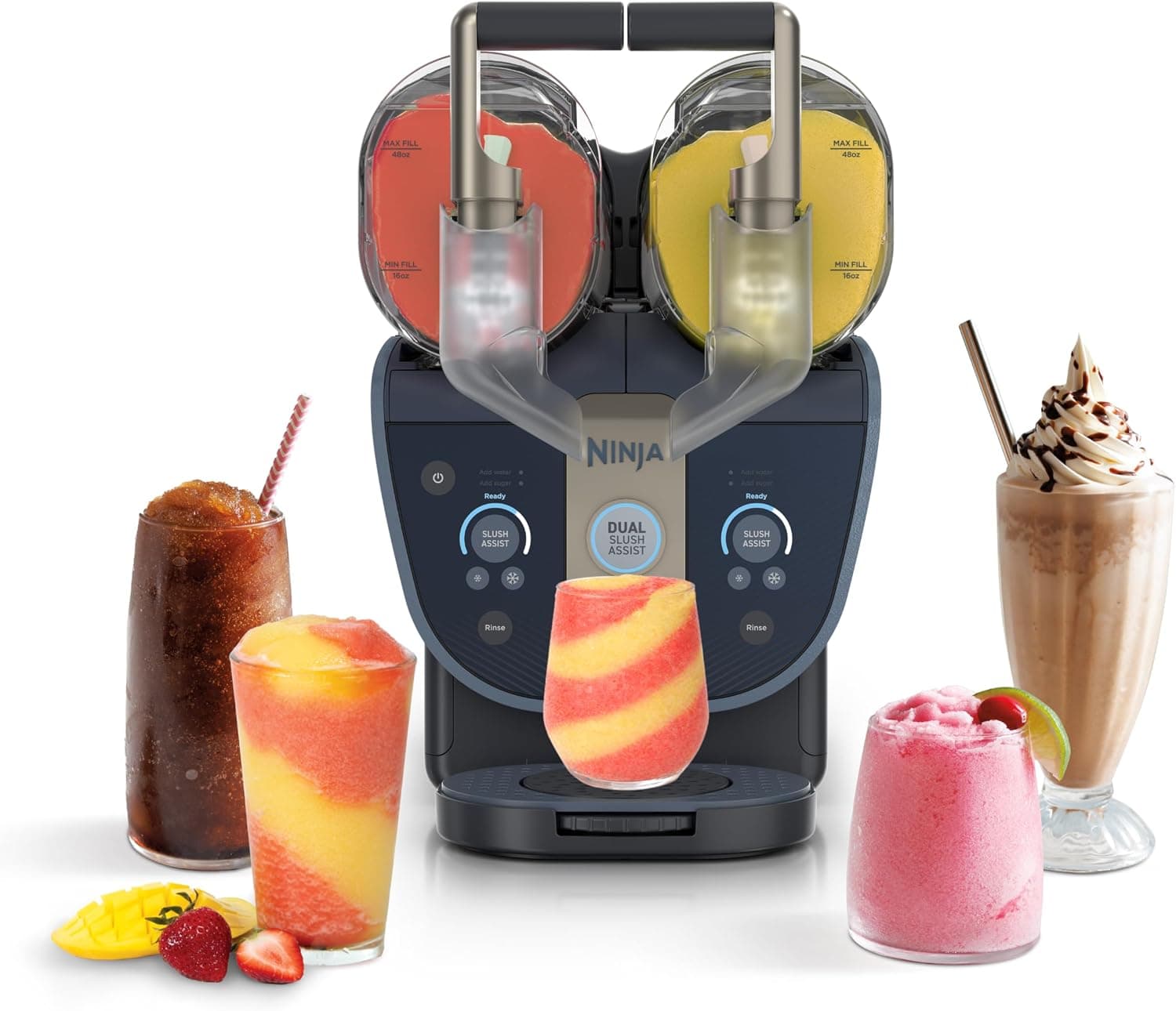
Ninja SLUSHi Twist (2 Flavors at Once)
Dual-tank Slushi: two flavors at once, up to 20% ABV.
Check price →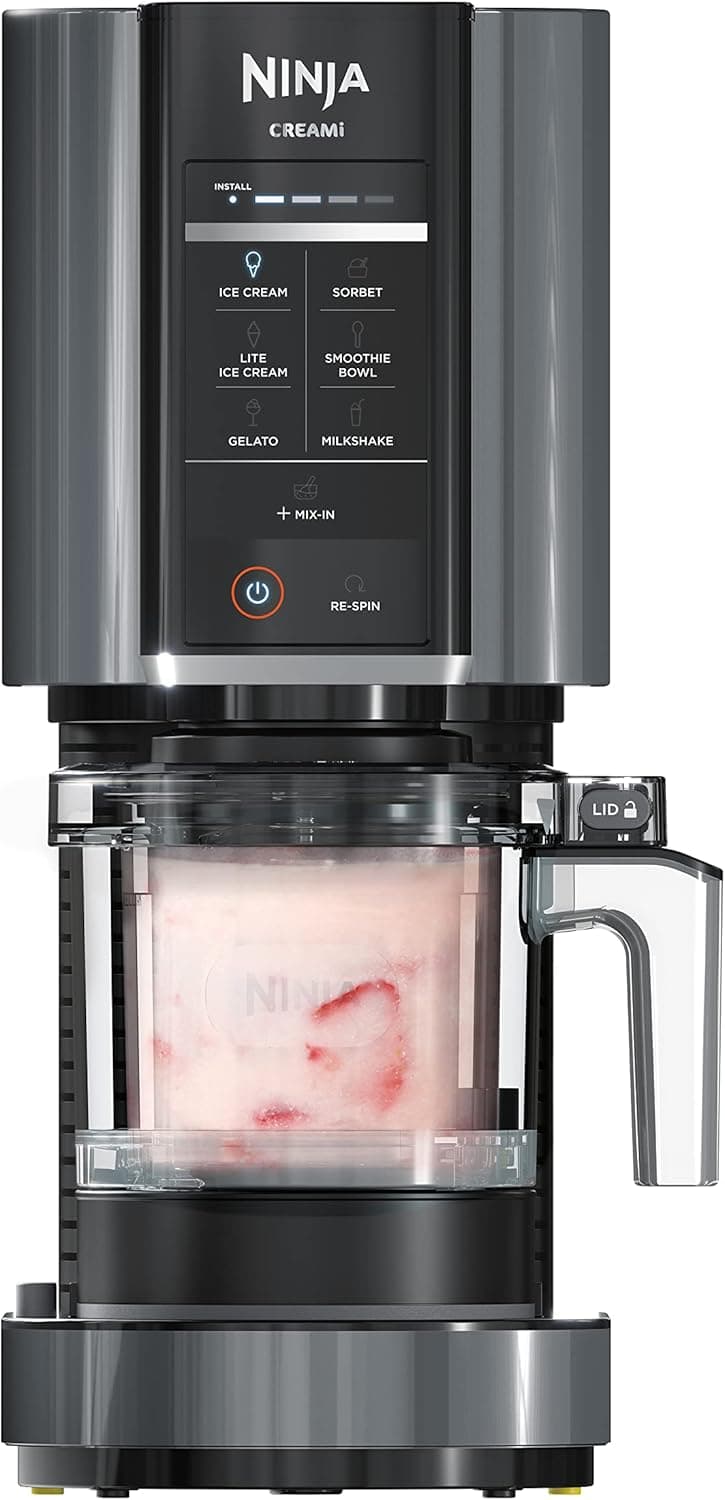
Ninja CREAMi Ice Cream Maker
Turn frozen bases into ice cream, gelato & sorbet.
Check price →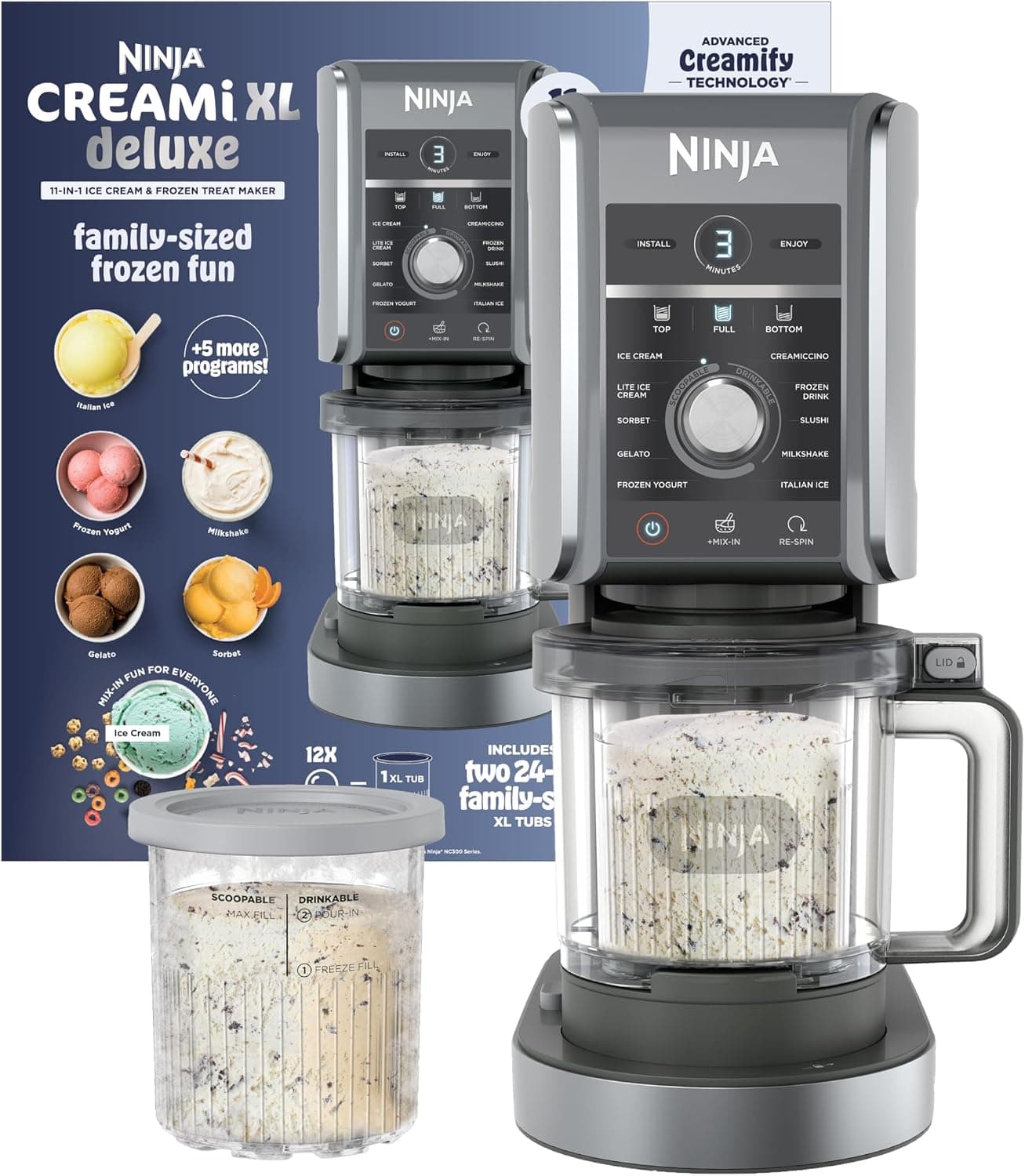
Ninja CREAMi Deluxe (11-in-1)
Bigger pints and more programs for serious batchers.
Check price →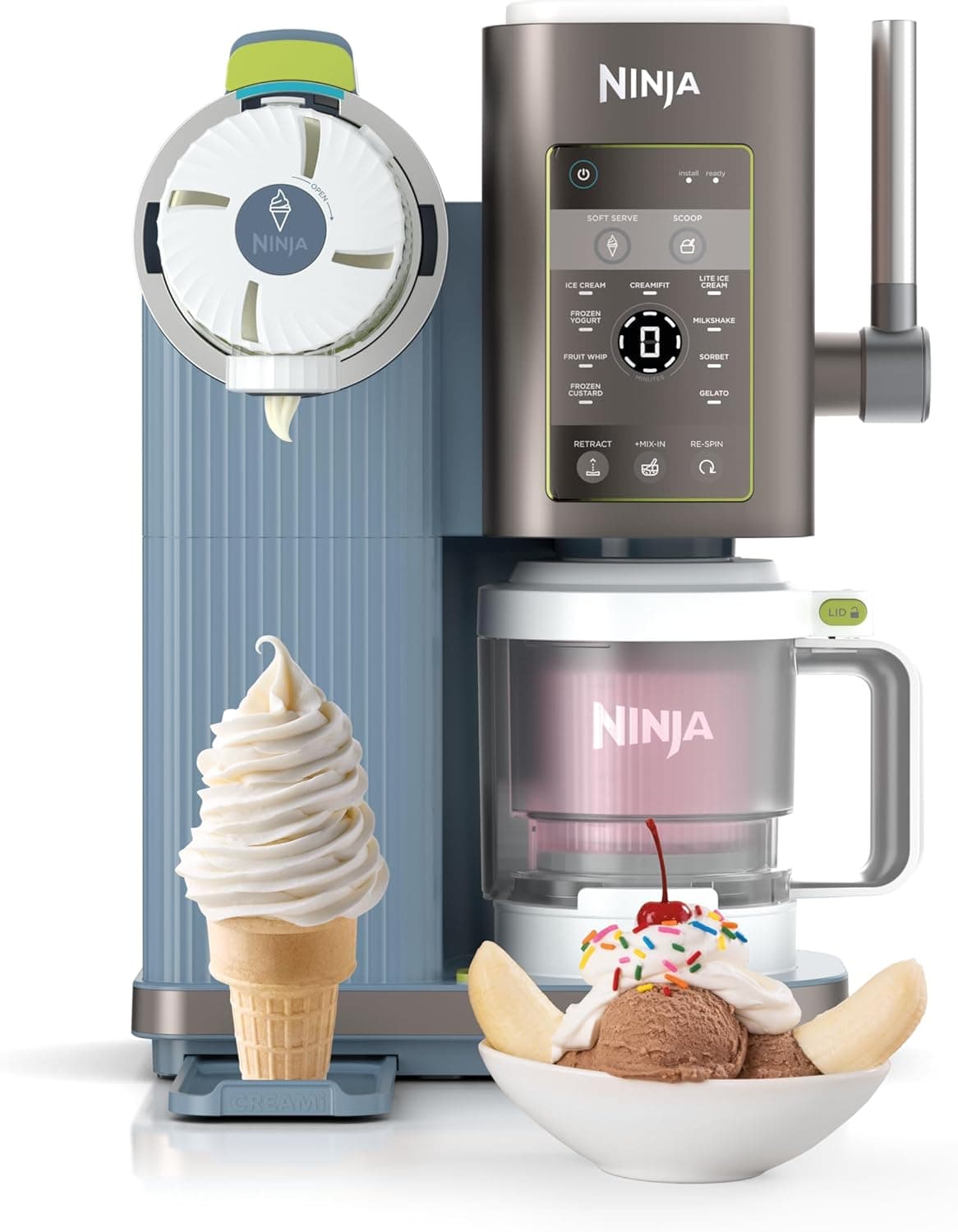
Ninja CREAMi Swirl
Soft-serve style swirls straight from the machine.
Check price →These are affiliate links. We may earn a commission from purchases at no extra cost to you. Learn more.